


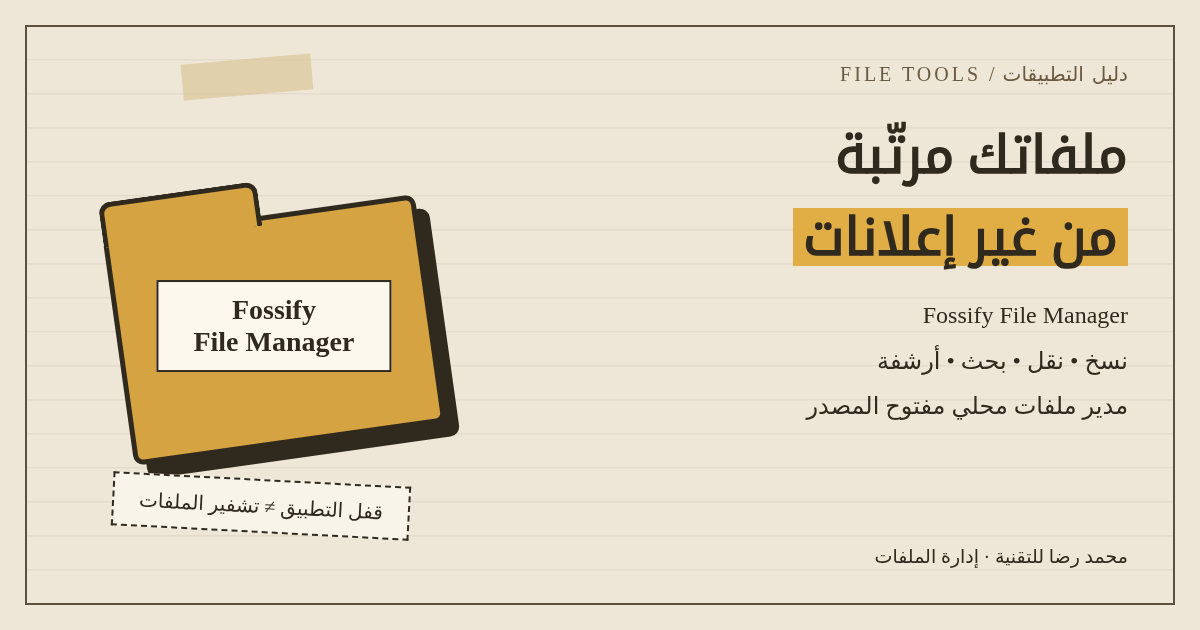
Fossify File Manager focuses on local file organization without advertising clutter. It offers search, sorting, favorites and archive tools without requiring an account.
The official app page states that it does not request Android Internet permission. This limits its direct network access, but does not mean a file can never leave your device. Sharing a file or opening it with another app can hand it to the app or storage provider you choose.
An app lock is not file encryption
The project advertises password, pattern or fingerprint protection for the app or hidden items. Treat this as an access barrier inside the app, not proof that the stored files are encrypted or invisible to other file managers. For encryption, choose a tool that documents encryption of the data itself.
File management is not a backup
Moving and deleting files changes your real storage. Start by copying a test file and check that the copy opens before deleting the original. Grant only the access needed for your task. Do not remove system folders or unfamiliar app data to chase storage gains.
Official sources
https://www.fossify.org/apps/file-manager/
https://github.com/FossifyOrg/File-Manager
https://f-droid.org/packages/org.fossify.filemanager/

